Last Saturday was the third time this year I’ve gone to a college to talk about Ruby and Rails. And, as expected, the general lack of experience in developing in Windows was the main cause of problems in that whole day event.
The experience wasn’t as bad as what we would have gotten had we conducted it last year, though. Installation used to be the hardest part about Rails on Windows, but thanks to RailsInstaller and RailsFTW, installing Rails on Windows nowadays is practically easier than installing it on Linux or OSX.
However, another problem still remains: the lack of good text editors for Rails on Windows. The vast majority of Ruby developers don’t use IDEs, while their choice of text editors are either OS X exclusive (TextMate) or has a steep learning curve (vim, emacs). On the Windows side, Notepad++ and Crimson Editor both have dismal Rails support.
Fortunately, there are a couple of good upcoming text editing options for Rails developers on Windows.
Redcar is a text editor written in Ruby running on top of JRuby. It’s cross-platform and free but still in alpha. It’s heavily inspired by TextMate, and it even supports some TextMate bundles.
Redcar only requires Ruby and Java. You don’t need to have JRuby; any combination of JRE and Ruby interpreters should work. Running the installation commands
$ gem install redcar
$ redcar install
will download Redcar and JRuby JAR files and install them in your local user directory. After installation, you could run Redcar just as you would run TextMate
$ redcar PATH/TO/APP
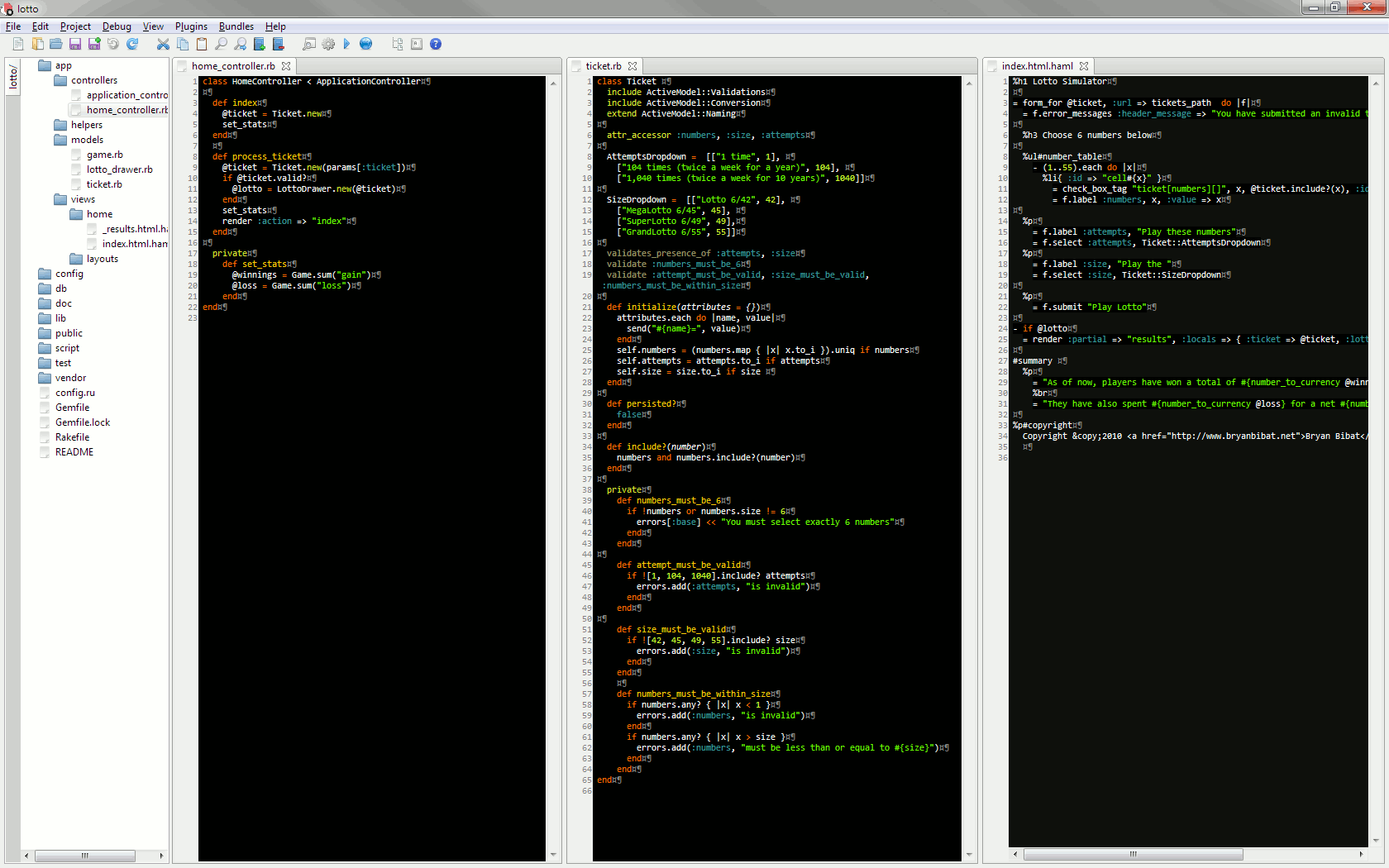
Here’s a screenshot of Redcar viewing my depressing lotto app (click to enlarge):
Sublime Text 2 is another cross-platform text editor. The original Sublime Text isn’t free, but the upcoming release is still free because it’s still in alpha.
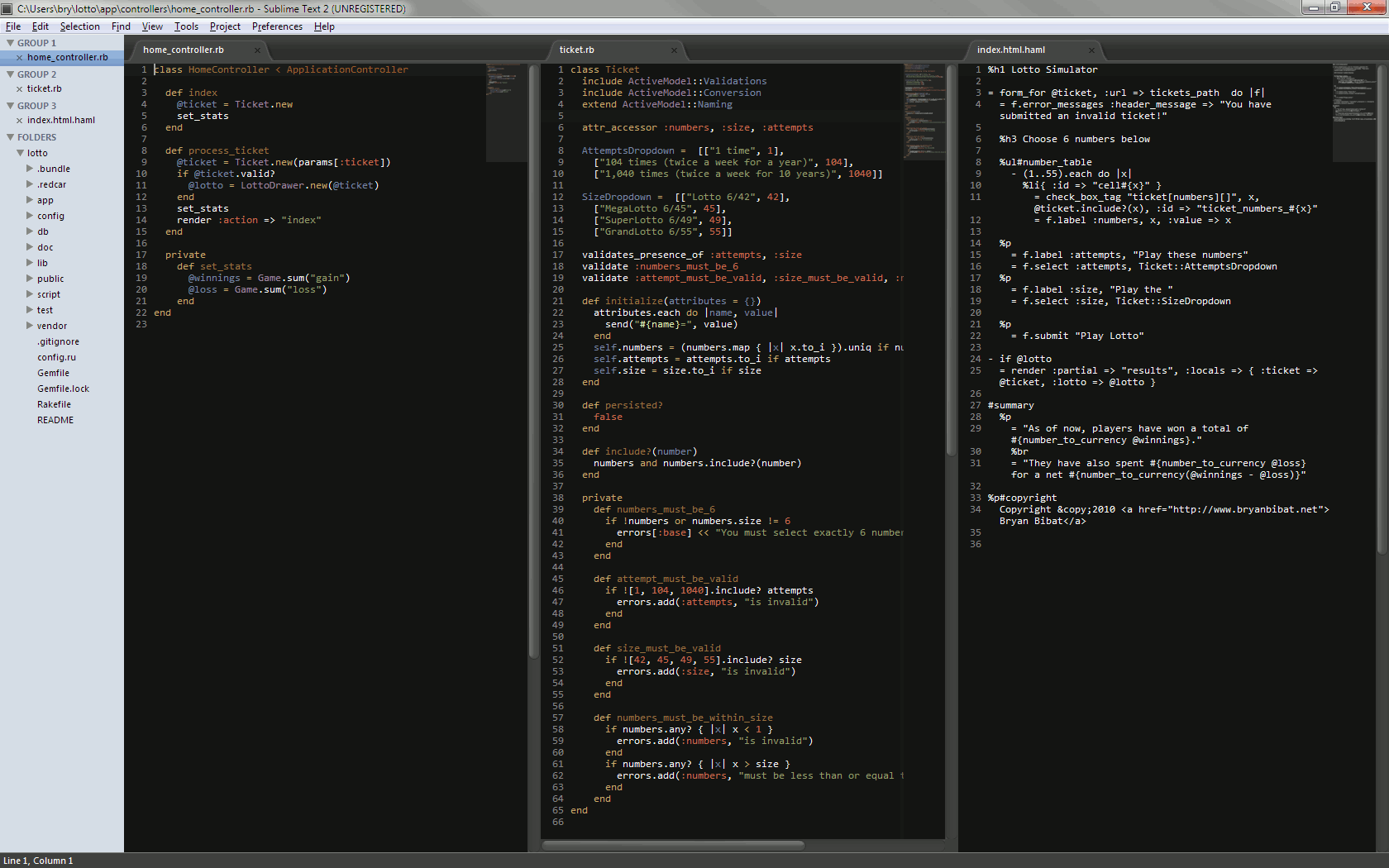
Here’s a screenshot (click to enlarge):
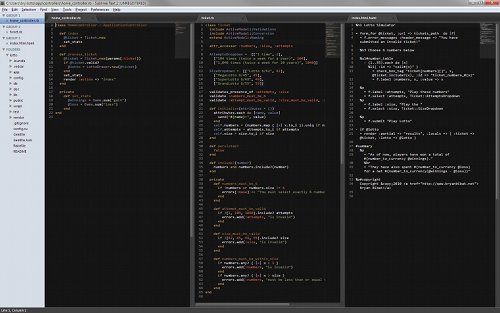
Sublime Text 2 doesn’t require Ruby or Java, making it more feasible to be shared around in a coding workshop with spotty internet connections (e.g. last Saturday’s event), but its eventual proprietary nature may prevent long-term development use.
EDIT: Quick write-up on Notepad++ v6.0 here.